

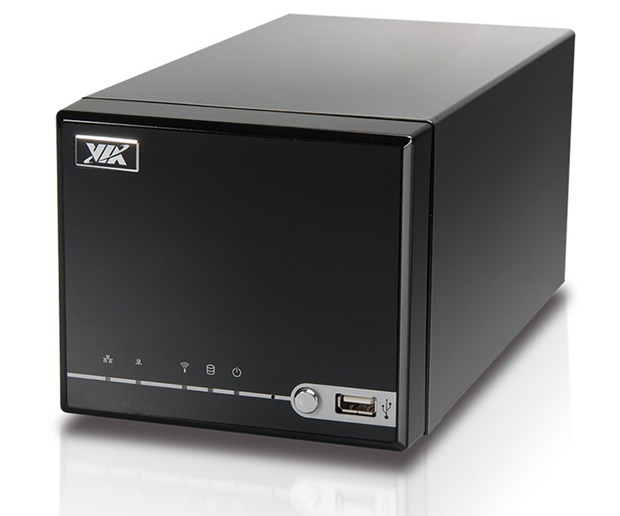
Quick Version: Much more functional than a NAS hard drive but not as expensive or large as most home server boxes, the VIA ARTiGO A2000 threads the needle between performance and price. And it looks good, to boot.
Features
- 1.5GHz VIA C7-D CPU
- VIA VX800 Unified Digital Media IGP chipset
- Single RAM socket takes DDR2 notebook RAM up to 2GB
- Two slots for 3.5-inch SATA hard drives
- One CompactFlash socket
- Three USB ports
- One Ethernet port
- One VGA-out port
- Dimensions: 5.3” wide x 4.5” tall x 10.2” long
- MSRP: $299.99
Setup
Devin shows us how to set up the ARTiGO A2000 through the magic of video!
[youtube http://www.youtube.com/watch?v=URbNZHLtvT0&hl=en&fs=1]
Overview
The VIA ARTiGO A2000 is a compact system that’s meant to act as a backup computer for your home or small business. You’ll need to add a hard drive, RAM, and an operating system but that’s about it. The first thing that popped into my mind when I opened the box was, “Ooooh, hello tiny media center PC for my living room.” It’s a nice glossy black finish that’d fit right in next to your TV.
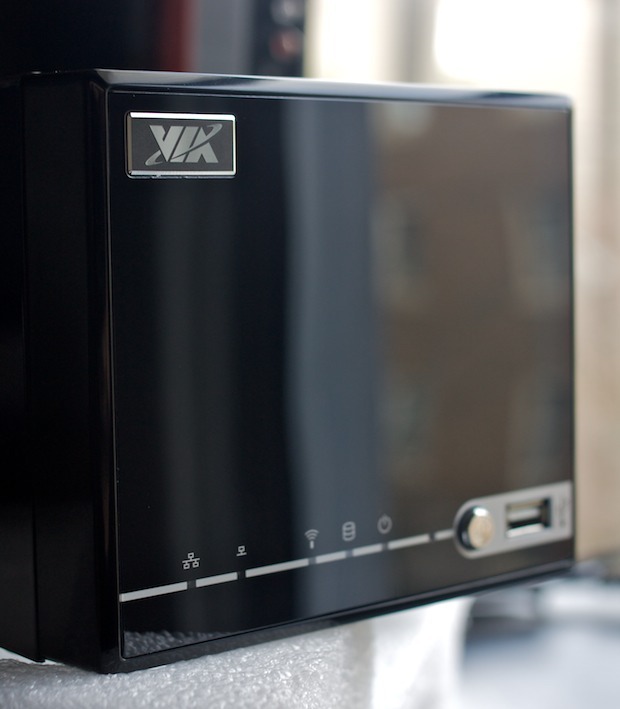
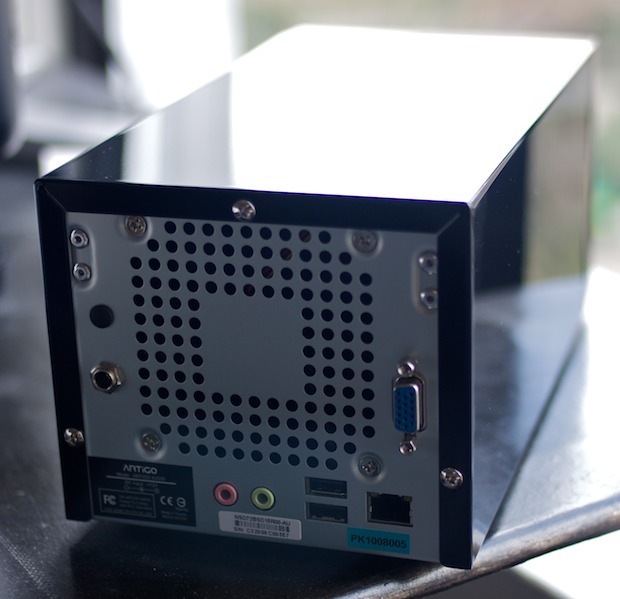
Unfortunately, it’s not meant to be a media center PC — it’s billed as a storage server. You might be able to get a super light Linux distro running on it and pull off some full screen videos but it struggled to play even standard-definition content in Windows 7 Beta. As for HD, both 720p and 1080p were out of the question as there was just too much stuttering.
As a storage server, though, and as a computer for basic web surfing and running simple apps, the A2000 worked like a charm. My setup included the previously-mentioned Windows 7 Beta as an operating system, a 500GB 7200 RPM Seagate hard drive, and 1GB of notebook RAM.
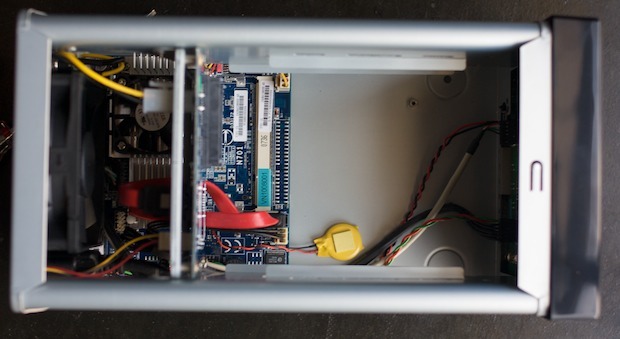
The actual motherboard itself is tiny, maybe about 25% bigger than a graham cracker square.
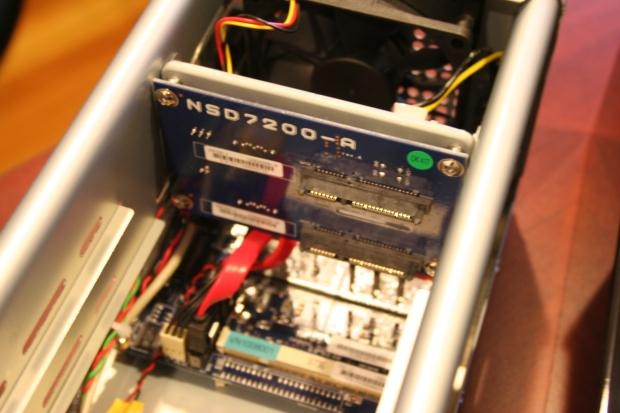
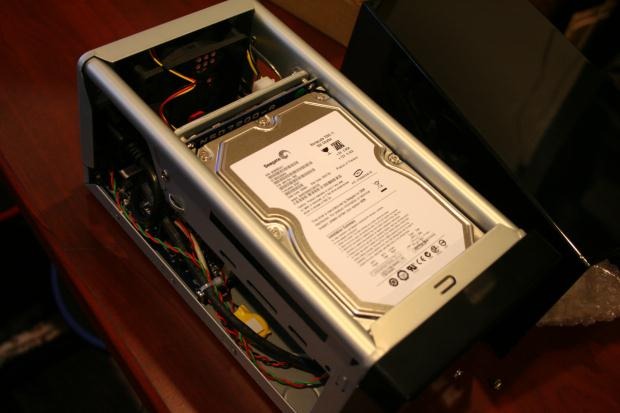
You can hook up two SATA drives simply by sliding them in along the case rails, which fits them right into the sockets. Then just add the screws and you’re done.
Software and Performance
I installed Windows 7 Beta and it performed quite nicely for simple web surfing, Skype, and older games like SimCity 3000 but not for HD video or newer games. As for video, YouTube worked fine and most standard-def stuff worked okay (some of the audio and video was a bit out of synch depending on the codec used) but I wouldn’t use the A2000 to watch video regularly.
There’s no optical drive, so I installed Windows 7 using a USB thumb drive (see instructions here). VIA also includes three pieces of software: StrongBox, Tru-Delete, and System Management Tool. You’ll likely use StrongBox the most, as it allows you to create password-protected drive partitions so, for instance, multiple users can have their own space on a single hard drive.
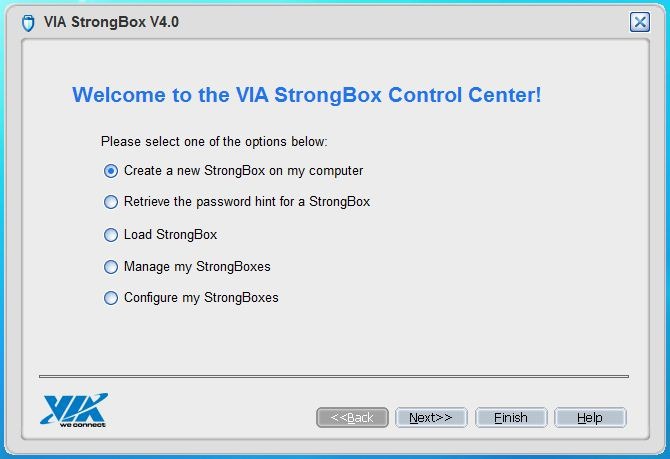
Tru-Delete can be used to delete all the data on a hard drive “with confidence” and the System Management Tool relayed system temperature, voltage, fan speed, and stuff like that.
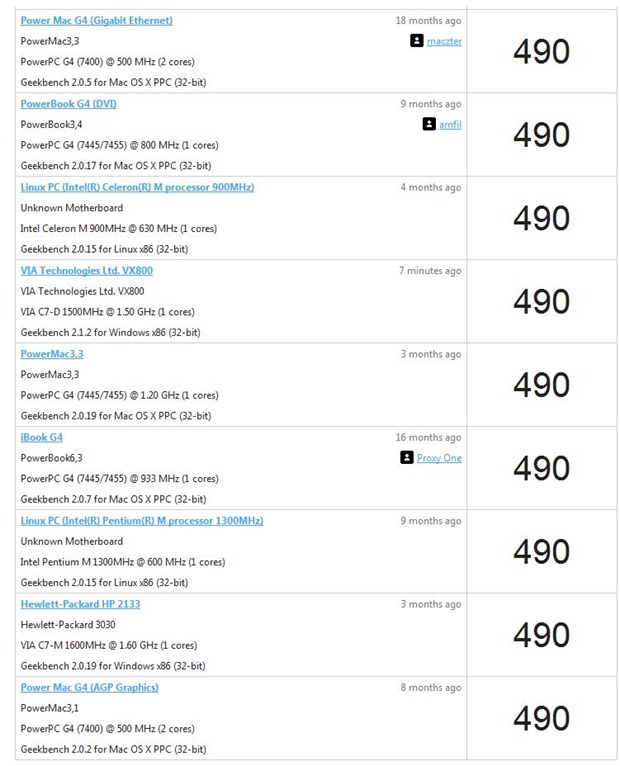
Performance was decidedly low but, again, it’s a simple server. GeekBench returned a score of 490, which is on par with Mac G4 systems and even HP’s 2133 Mini Note.
The system wouldn’t return a Windows Experience Index rating.
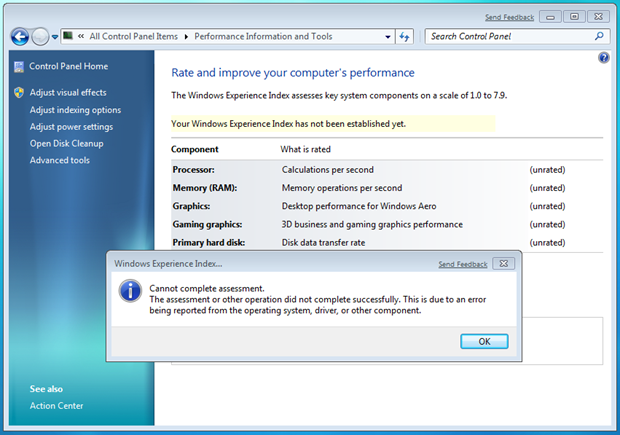
For simple operations, though, the system runs fine despite its low benchmarks. It’s not really meant to be used as a regular computer as much as its meant to sit and collect files. I used it primarily without a monitor, keyboard, or mouse hooked up. I had a weekly backup task set up to copy files from my desktop computer to the A2000 and when I needed to access it for some reason, I’d connect to it using the Remote Desktop Connection program from my main PC.
As far as noise is concerned, the thing is whisper-quiet. I’ve had it sitting on the far corner of my desk and it produces no discernable noise throughout the day. It runs very cool, too, so you could stash it just about anywhere without worrying about it.
Conclusion
If you’re looking for something a little more robust than a NAS hard drive but you don’t want to lay out $500+ on a home server unit, the VIA ARTiGO A2000 is a great choice — especially if you’ve got an old hard drive and some RAM on hand. There are plenty of free OS options, too, or you can load up your favorite flavor of Windows if that’s what you’re comfortable with.
Product Page [VIA]
